How to play Word Storm
Type the falling words to blast them out of the sky before they land — a typing test disguised as an arcade game.
Word Storm is a typing game shaped like an arcade game. Words fall from the top of the screen and the only way to stop one is to type it out, letter for letter, before it reaches the line at the bottom.
Locking on
Type a letter and the game locks onto the lowest word on screen that starts with it. From that moment your keystrokes go to that word and nothing else, so you finish it before choosing a new target.
That locking rule is worth understanding because it decides your whole approach. You cannot half-type two words and switch between them; committing to a word means committing until it is cleared.
Scoring and the combo
Finishing a word scores points based on its length and your current combo multiplier.
Clearing words back to back raises the multiplier. A wrong letter resets it to nothing.
So accuracy is worth as much as speed here, and often more. A fast run with three typos scores worse than a steadier run with none, which is the opposite of what the falling words make you feel.
Lives, and the storm
Each word that reaches the line costs a life. Lose three and the round is over.
The pace rises the longer you survive: words fall faster and arrive more frequently, so a run that feels comfortable at thirty seconds will not at ninety. There is no end — the storm always wins eventually, and the score is how long you made it take.
What to type next
The right target is almost never the word you noticed first.
It is the lowest word on screen, because that is the one about to cost you a life. Long words near the top look threatening and are not — you have plenty of time, and clearing a short word underneath them first is nearly always correct.
The exception is when two words are close to the line together. A short word can be cleared and the next one started in the time a long word takes, so take the short one first even if it is fractionally higher.
Your words per minute
The live WPM figure is a genuine typing measure, not decoration, and it is worth watching for its own sake. Because the combo punishes errors and the lock-on prevents skipping, the game naturally trains the two things that actually raise typing speed: consistent accuracy and not looking at the keyboard.
Your best run is saved between visits.
Controls
Type the letters of a falling word on your keyboard.
- The lowest word matching your first letter locks in, and your keystrokes complete it.
- On a phone, tap the play area to bring up the on-screen keyboard and type.
Strategy tips
- Always type the lowest word, not the one you noticed first. Height on screen is time, and the word about to land is the only one that can cost you.
- Accuracy beats speed because of the combo. One wrong letter wipes the multiplier, and the multiplier is most of your score.
- Do not start a word you cannot finish. The lock-on holds you to your target, so committing to a long word while a short one is about to land loses a life.
- When two words are near the line, clear the short one first. You can usually finish it and start the next before a long word would have been done.
- Glance at first letters, not whole words. You only need the opening character to lock on, and reading ahead by one letter is what keeps a combo alive.
- Keep your hands on the home row and resist looking down. The pace ramps continuously, and the moment you start hunting for keys the storm gets ahead of you.
- Clear the top of the screen when the board is quiet. A calm moment spent on a high word is free, and it stops three words arriving at the line together later.
- Treat the WPM readout as the real score. It is an honest typing measure, and improving it improves the game score automatically.
Now play Word Storm
Free, in your browser, with no download and no sign-up.
Play Word Storm →Word Storm is a word game . See all word games or browse the whole catalogue .
More rules and guides
-
 Featured
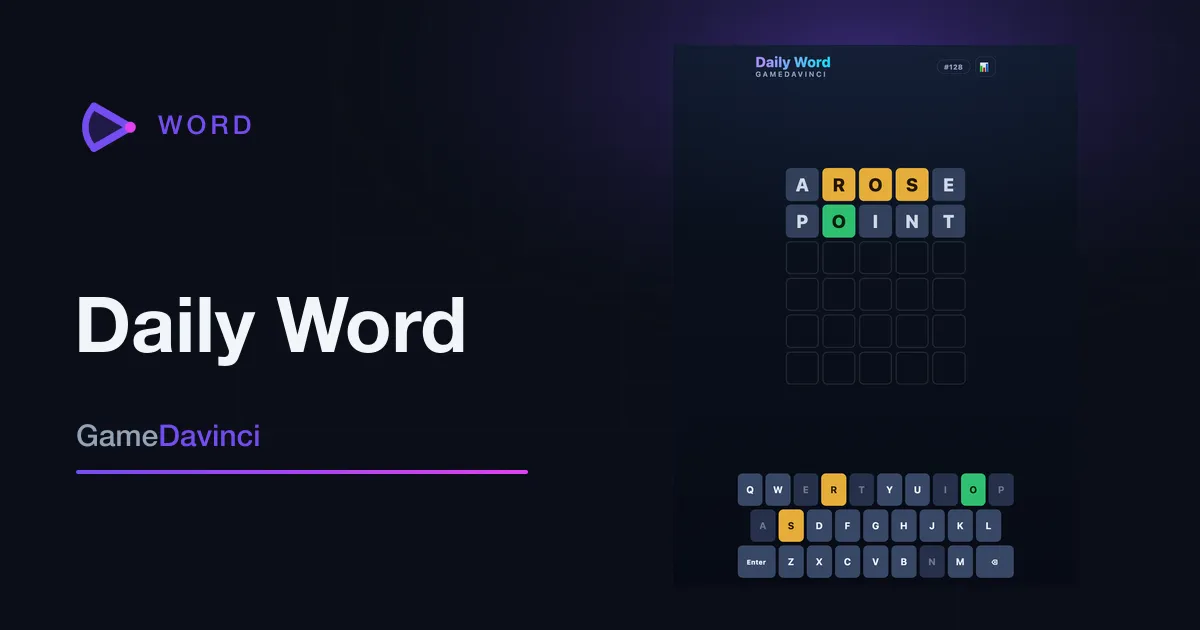
Daily Word
Guess the secret five-letter word in six tries. One fresh puzzle every day — come back to keep your streak alive.
Word -
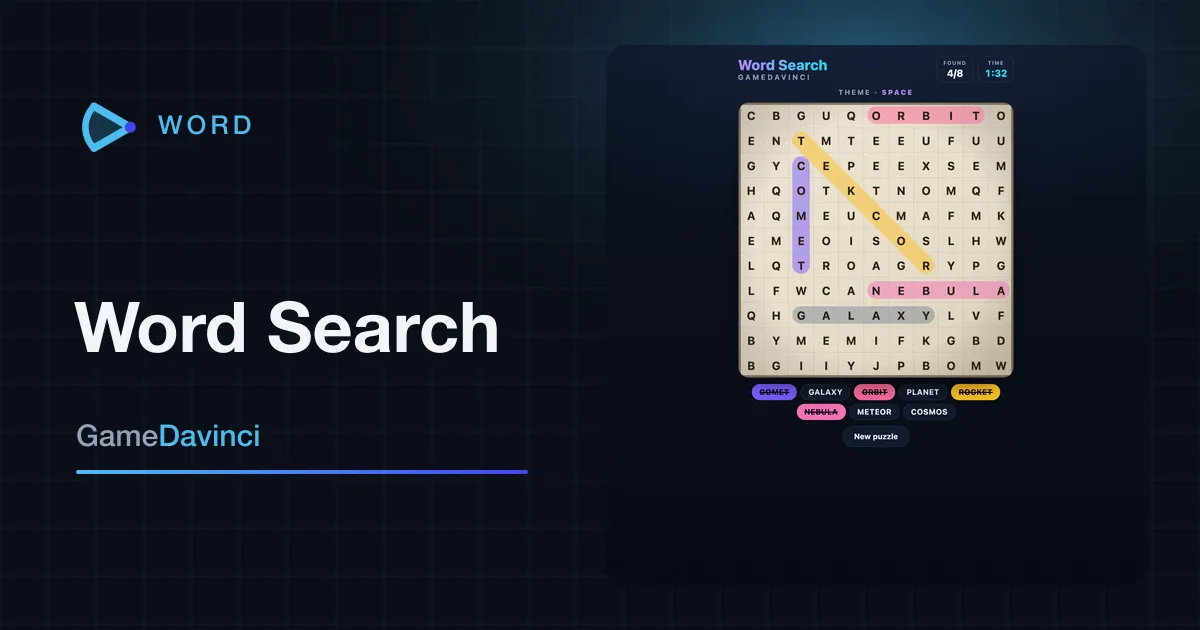
Word Search
Hunt hidden words in a letter grid — across, down, and diagonally, forwards or back — against the clock.
Word -
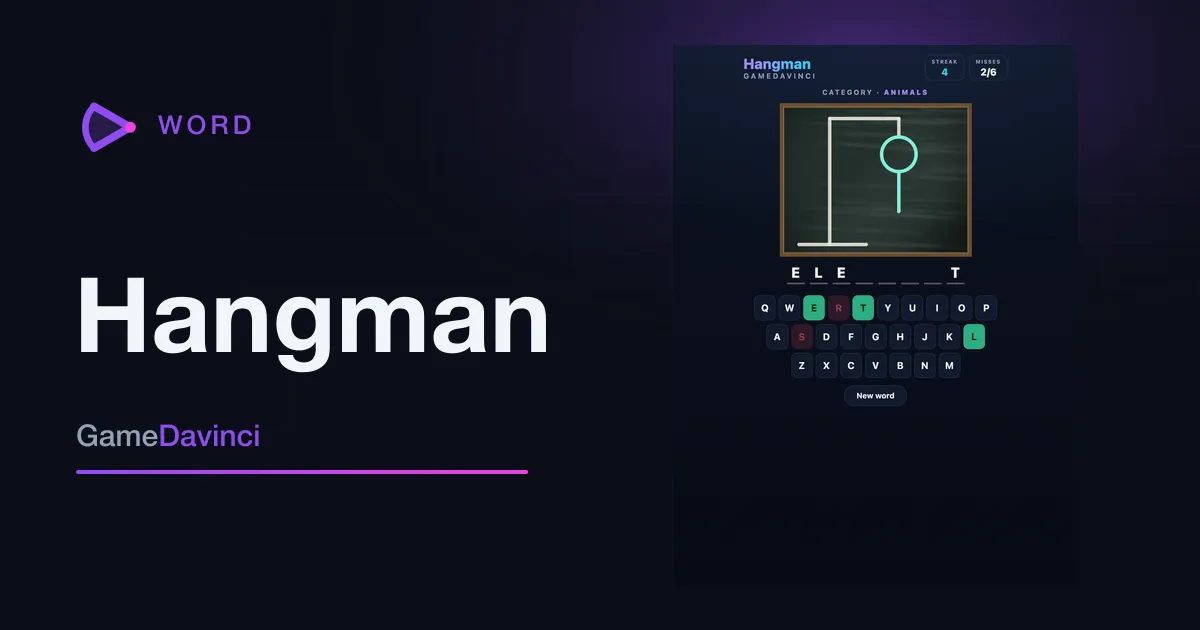
Hangman
Guess the hidden word one letter at a time — six wrong guesses and the round is over.
Word -
 Featured
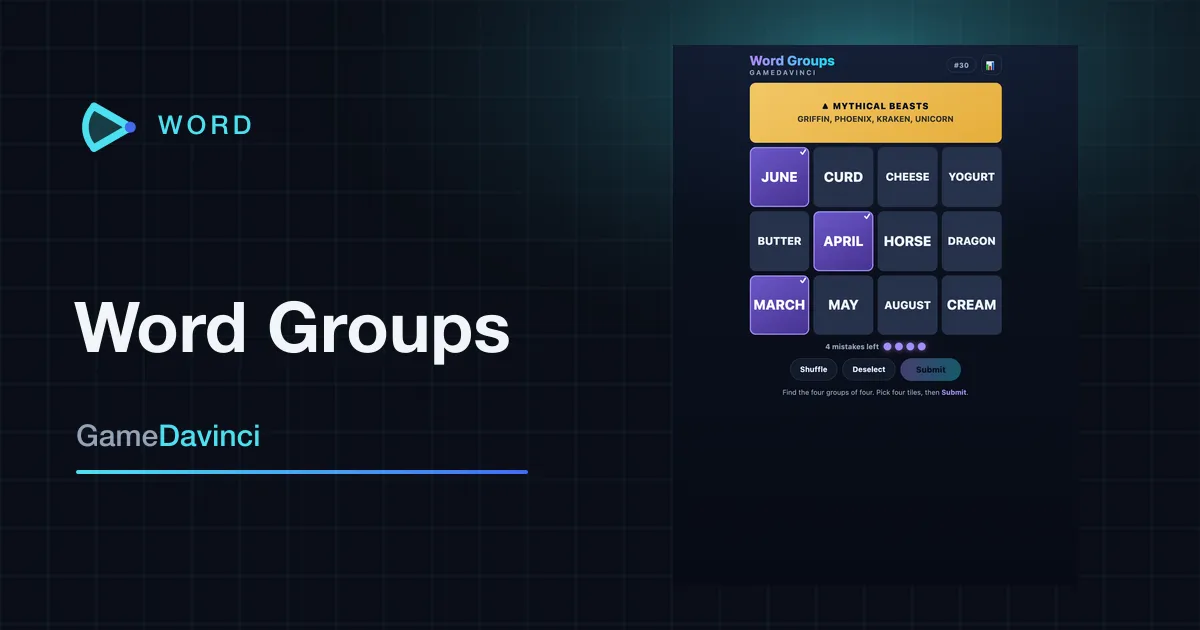
Word Groups
Sort sixteen words into the four hidden groups of four that belong together. One fresh word puzzle every day.
Word