How to play Word Search
Hunt hidden words in a letter grid — across, down, and diagonally, forwards or back — against the clock.
Word Search is a letter hunt. An eleven-by-eleven grid of letters hides eight words drawn from a single theme, and you find them by dragging across each one.
The grid
Every puzzle is generated fresh, so no two grids repeat and there is nothing to memorise between rounds.
The theme is named before you start — Space, Ocean, Kitchen, Animals, Fruit or Weather — and all eight hidden words belong to it. That is your only clue and it is a real one: knowing the theme is Ocean means you are looking for words like CORAL and TIDE rather than scanning for any letter sequence at all.
Every letter not used by a hidden word is filler, chosen at random. Filler letters can accidentally spell short words, so a run of letters that looks like a find is not necessarily one — check it against the word list before you commit.
The eight directions
Words run in any of eight directions: left to right, right to left, top to bottom, bottom to top, and along all four diagonals.
This is the part beginners underuse. Most people scan horizontally, find the two or three easy words, and then stall. The remaining words are almost always the backwards and diagonal ones, because the generator has no reason to favour the readable directions.
A word is always in a straight, unbroken line. It never turns a corner, never skips a square, and never wraps around an edge.
Finding a word
Drag from the first letter of a word to its last in one straight line. If the letters under your drag spell one of the hidden words, it locks in with its own colour band and its name is struck off the list.
A word can share letters with another word — two hidden words crossing at a shared letter is normal, and finding one does not remove the letter from the other.
The timer
A timer runs while you solve. Nothing bad happens when it climbs; it is there so you can race yourself on the next grid rather than to put you under pressure.
Clear all eight words to finish. New Puzzle gives you a fresh grid and a fresh theme at any point.
How to search efficiently
The efficient way is not to hunt for whole words. It is to pick one word off the list, take its least common letter — a Q, X, Z, J, K or W if there is one — and scan the grid for that single letter, then check the eight directions radiating from each place you find it.
Scanning for one rare letter across a hundred and twenty-one squares is quick. Scanning for a whole word is not, which is why the list-first approach beats the grid-first approach every time.
Controls
Press on the first letter of a word and drag in a straight line to its last letter, then release.
- Selections snap to rows, columns, and diagonals.
- Release on a real word to lock it in.
Strategy tips
- Work from the word list, not from the grid. Pick a word, find its rarest letter, and scan for that one letter — it is far faster than hunting for a whole word.
- Go for Q, X, Z, J, K and W first. Rare letters appear in few places, so each one you spot is a strong lead with only eight directions to check.
- Once you find a candidate letter, check all eight directions from it before moving on. Most people check across and down and give up, which is exactly where the hard words hide.
- Save the horizontal scan for last. Left-to-right words are the ones your eye finds by accident anyway; deliberate effort is better spent on the diagonals and the backwards ones.
- Use double letters as anchors. A word with a doubled letter, like BALLOON, gives you a distinctive pair to spot rather than a single character.
- Remember words can cross. A letter already highlighted in one word is still available to another, so do not rule out squares that are already coloured.
- Do not trust an accidental word. Filler letters sometimes spell something real — always check the list before committing to a drag.
- Let the theme narrow your expectations. Knowing the category tells you the likely word lengths and letter patterns before you look at a single square.
Now play Word Search
Free, in your browser, with no download and no sign-up.
Play Word Search →Word Search is a word game . See all word games or browse the whole catalogue .
More rules and guides
-
 Featured
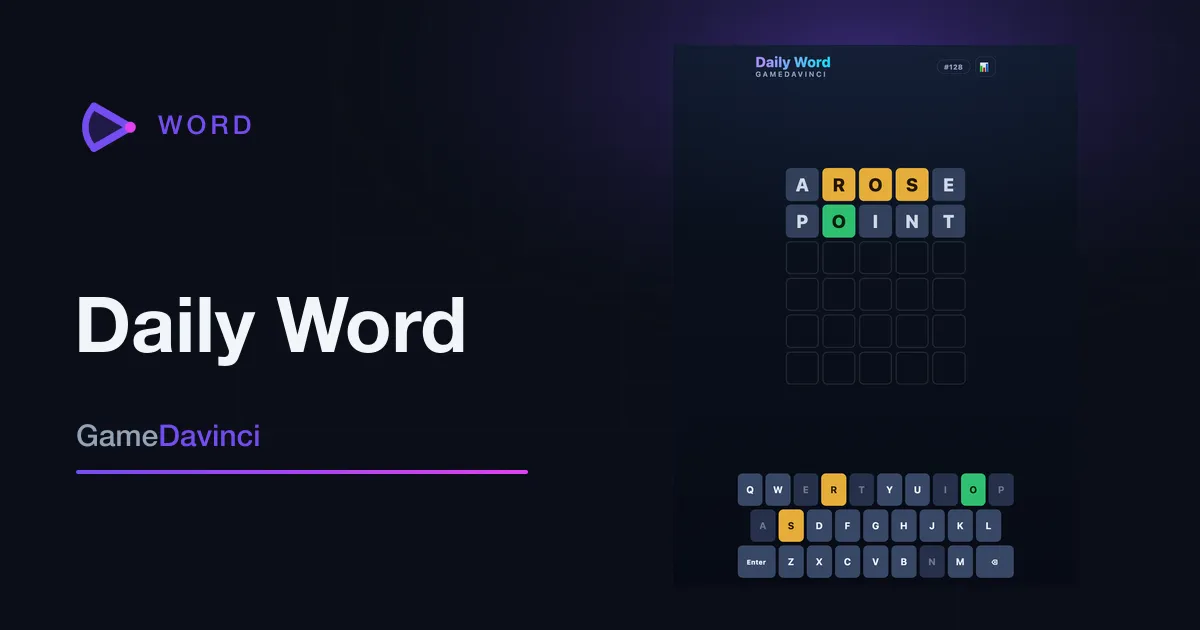
Daily Word
Guess the secret five-letter word in six tries. One fresh puzzle every day — come back to keep your streak alive.
Word -
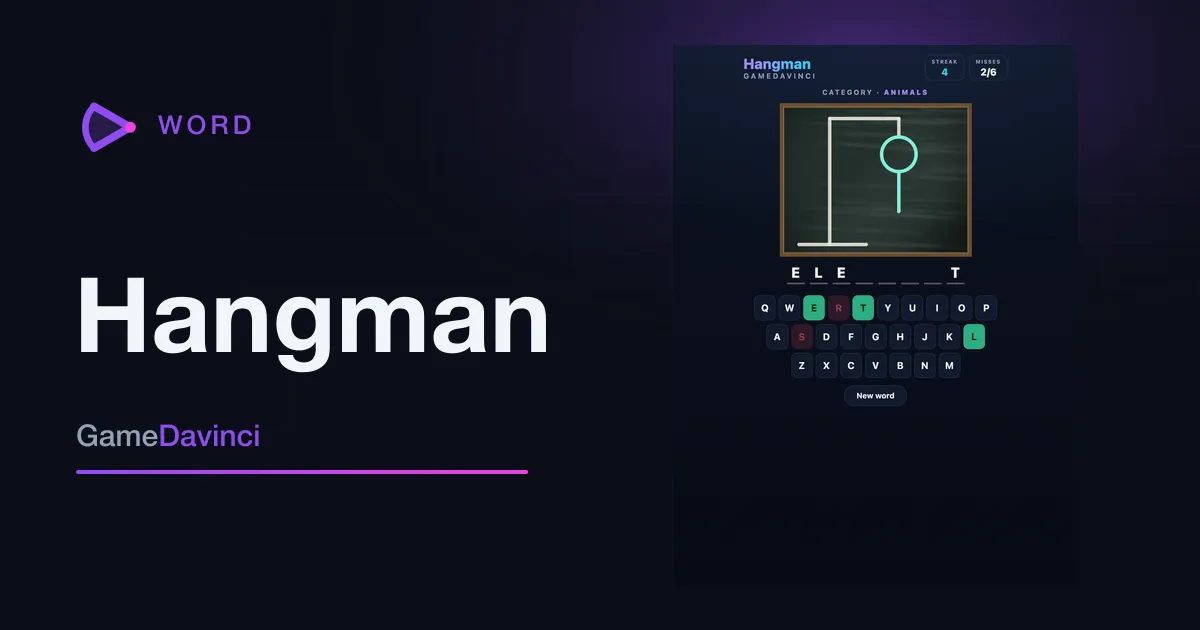
Hangman
Guess the hidden word one letter at a time — six wrong guesses and the round is over.
Word -
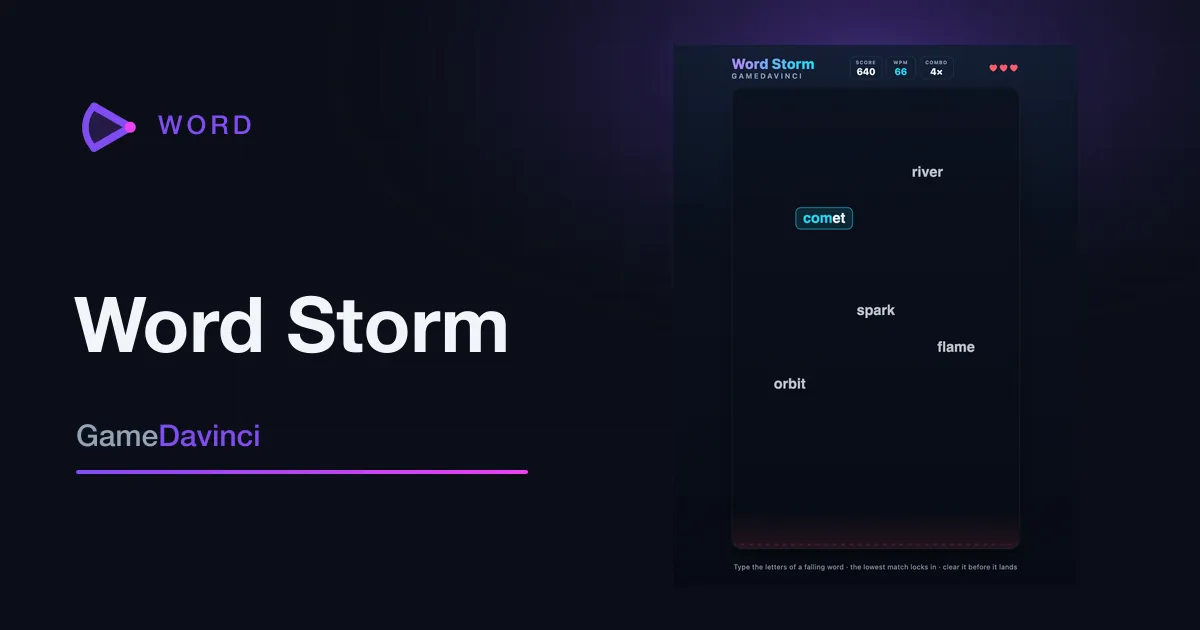
Word Storm
Type the falling words to blast them out of the sky before they land — a typing test disguised as an arcade game.
Word -
 Featured
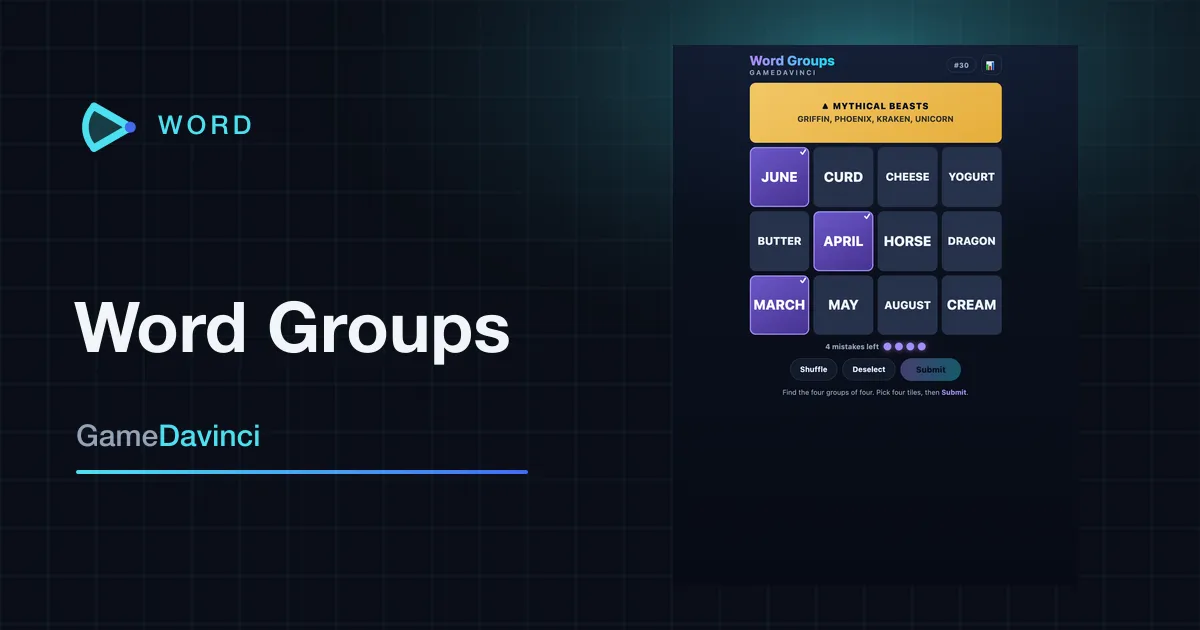
Word Groups
Sort sixteen words into the four hidden groups of four that belong together. One fresh word puzzle every day.
Word