How to play Turbo Rush
Throw a six-speed car down a pseudo-3D highway of banked corners and blind crests, slipstream past the field, clip every gate for more clock, and chase your ghost in the daily trial.
Turbo Rush is a point-to-point road race against a clock that is always about to beat you.
The rules
You accelerate automatically. The game is about steering and braking, not throttle.
The clock counts down and the only thing that adds to it is the gates: drive under one of the gantries spanning the road and it hands back seconds. Miss the rhythm of the gates and the clock does the rest.
The ribbon along the bottom shows how far you have come, where the remaining gates are, and where the rivals are.
The car is simulated, not scripted
A six-speed gearbox works through its ratios and the engine pulls hardest in its band, so acceleration is not linear — it surges and eases as the box shifts.
Grip is finite. At speed, corners push you towards the outside, and if you hold a slide you scrub speed for as long as it lasts. A tidy line is genuinely faster than a dramatic one.
How to drive it
Brake before the corner, not in it. Braking while turning asks the tyres to do two things at once and they cannot, so the car understeers wide and you lose more time than the brake saved.
The sequence that works is: brake in a straight line, turn in once the car has slowed, and pick the throttle back up as the corner opens out.
Look ahead rather than at the car. Blind crests and banked corners arrive faster than reaction time allows, so you should be reading the road two corners ahead and setting up for the one after next.
The gates decide the race
The clock is the real opponent. A perfect lap that misses two gates loses to a scrappy one that takes them all.
So the racing line is not always the fast line — it is the line that goes under the next gantry. When a gate sits on the outside of a corner, take the wide entry even though it costs you a fraction, because the seconds are worth more than the tenths.
Use the ribbon to plan. Knowing the next gate is on the left lets you set your line up a corner early instead of lunging for it.
Rivals
Traffic is an obstacle rather than a race to win outright. Contact scrubs speed, and speed is time, so a clean overtake taken early on a straight is worth much more than a brave one taken into a corner.
Controls
Drag anywhere on the road to steer — the further from centre, the harder the turn. The car changes gear by itself.
Keyboard
- Left/Right arrows or A/D to steer.
- Space or Down to brake, Enter to restart.
Touch
- Hold the bottom-left and bottom-right of the screen to steer and tap the brake button.
Strategy tips
- Drive the gates, not the racing line. The clock is the opponent, and a scrappy lap that takes every gate beats a perfect one that misses two.
- Brake in a straight line, then turn. Braking mid-corner asks the tyres for two things at once and washes you wide.
- Read the ribbon a corner early. Knowing the next gate is on the left lets you set the line up in advance instead of lunging.
- Do not hold slides. A slide looks fast and scrubs speed for as long as it lasts, so the tidy line is genuinely quicker.
- Look two corners ahead. Crests and banked turns arrive faster than reaction time, so the corner you are in should already be decided.
- Get the power down early on exit. The engine pulls hardest in its band, so a corner exited straight and early carries speed down the whole next straight.
- Overtake on the straights. Contact costs speed and speed is time, so a clean pass early beats a brave one into a corner.
- Take the wide entry when a gate demands it. A few tenths lost to line is nothing against the seconds a gate returns.
Now play Turbo Rush
Free, in your browser, with no download and no sign-up.
Play Turbo Rush →Turbo Rush is a racing game . See all racing games or browse the whole catalogue .
More rules and guides
-
 Featured
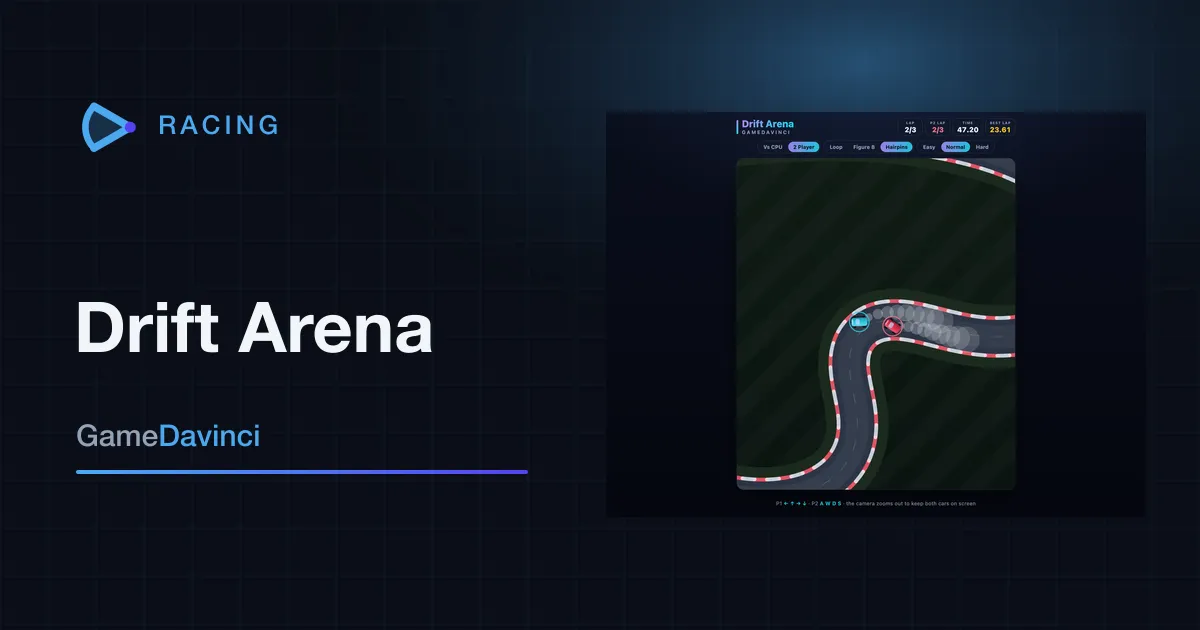
Drift Arena
Throw a top-down racer sideways through three circuits of tightening corners, catch the slide on the way out, and settle it over three laps against the computer or a friend on the same keyboard.
Racing -
 Featured
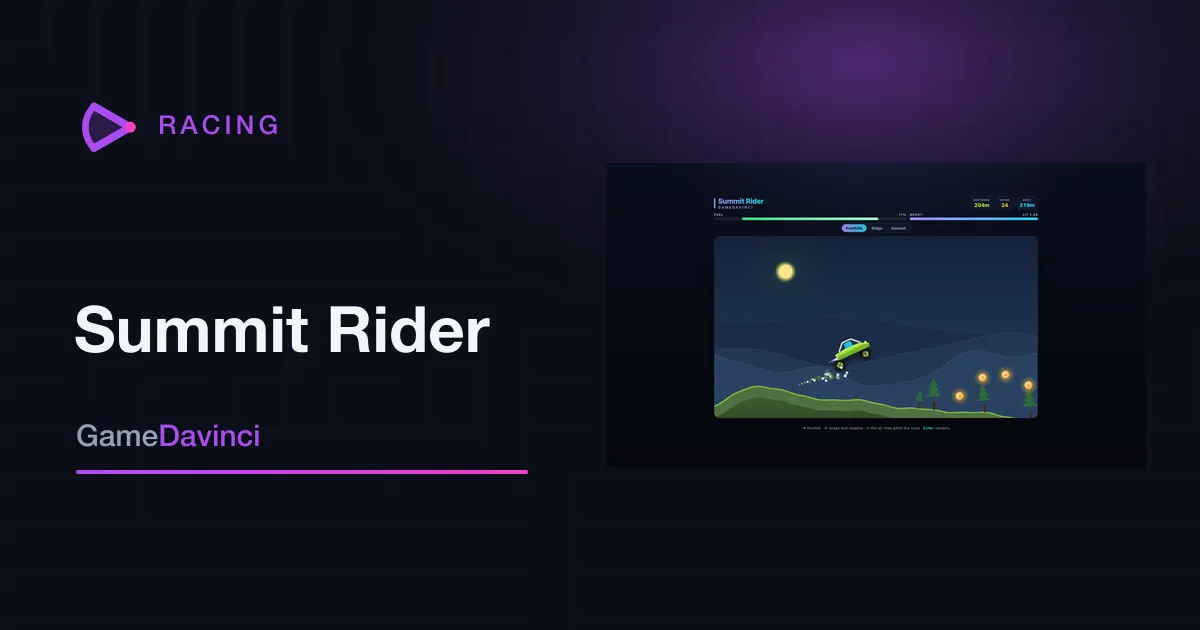
Summit Rider
Uphill physics driving over hills that are generated fresh every run: work the throttle so the nose stays down, set your attitude in the air, and go as far as the tank lets you.
Racing -
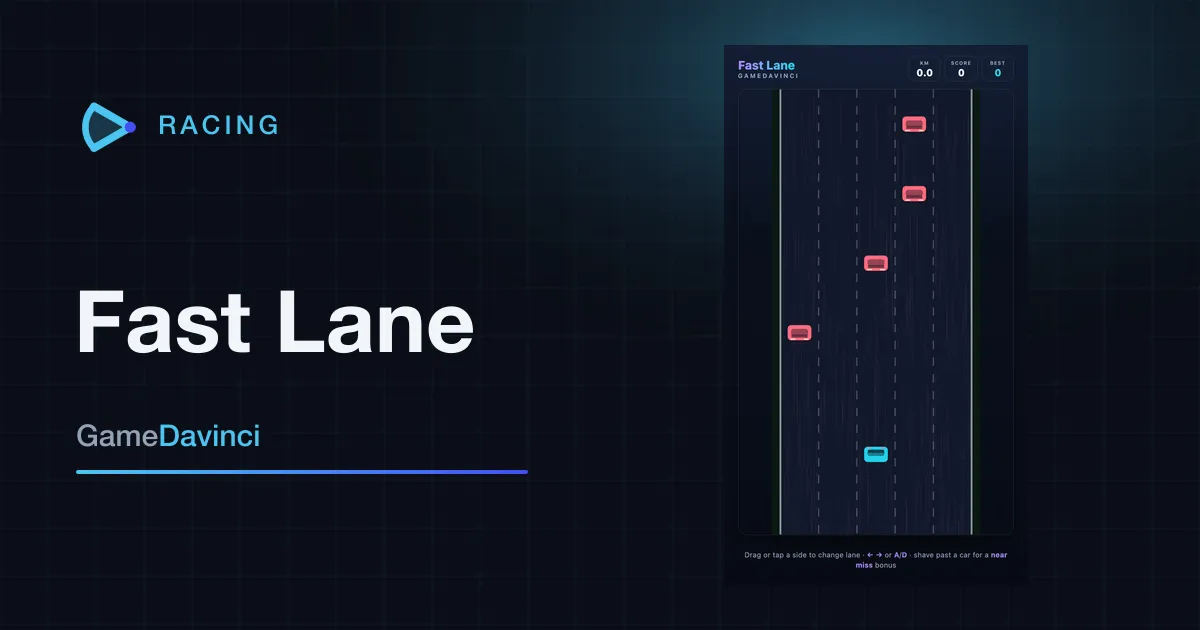
Fast Lane
Five lanes, no corners, and traffic that never quite lets up. Pick your gap early, shave past for the bonus, and see how far you get before the road wins.
Racing