How to play Jigsaw Puzzle
Drag the scattered pieces into place to rebuild the picture — pick 12, 35, or 70 pieces to match your mood.
A jigsaw puzzle, in the browser, with nothing to lose under the sofa. A picture is cut into pieces and scattered across the board, and you drag each one to where it belongs.
How it works
Pick up any piece and drag it towards its home. When it is close enough it snaps into place and locks, so you never have to line anything up by hand — near enough is enough.
A locked piece stays put, so the picture builds up as a stable base rather than something you can knock out of alignment.
Choose twelve pieces for a quick warm-up, thirty-five for a comfortable sitting, or seventy for a proper one. The picture can be changed at any time across a set of hand-built scenes: a sunset over hills, a calm ocean horizon, an aurora, green countryside, and a geometric mosaic.
Preview shows the finished image. Hint places one piece for you. Your solve time is shown at the top.
How to solve a jigsaw efficiently
The method that works on a table works here, and it is worth stating because most people never learn it.
Sort before you assemble. Separate the edge pieces from the middle pieces first — edges have at least one flat side and there are far fewer of them, so the border is the cheapest structure to build and it frames everything else.
Then group by colour and texture rather than by shape. On a sunset picture, put all the orange pieces together, all the dark hill pieces together, all the sky pieces together. You are turning one seventy-piece problem into three twenty-piece ones, and small problems are enormously easier.
Work the high-contrast regions first. A boundary between two colours — where the hills meet the sky, where the aurora fades — gives each piece a distinctive pattern, so placement is nearly certain. Large areas of a single colour are the hardest part of any jigsaw and are best left until the surrounding structure tells you where the gaps are.
On using the preview
Preview is not cheating and turning it off is not virtue: a physical jigsaw comes with the picture on the box, and solving without it is a harder game than the one jigsaws are designed to be.
Use it the way you would use the box — to work out which region a piece belongs to, not to locate every piece individually.
Choosing a size
Twelve pieces is a couple of minutes. Thirty-five is the size that most reliably feels like a puzzle rather than a formality. Seventy is where sorting first genuinely pays off, and where trying to place pieces one at a time in the order you find them stops working.
Controls
Drag a piece with the mouse or your finger and drop it near its correct spot — it snaps into place automatically.
- Use the piece-count buttons to set difficulty.
- Preview to glimpse the full image, Hint to place one piece.
- Image to change the picture, and Shuffle to re-scatter.
Strategy tips
- Do the edges first. Flat-sided pieces are a small fraction of the total and they build the frame everything else fits inside.
- Sort by colour before you place anything. Turning one seventy-piece problem into three twenty-piece ones is the single biggest speed-up there is.
- Start where the picture changes. Boundaries between colours give pieces distinctive patterns, so placement is close to certain there.
- Leave the large flat areas until last. A field of one colour is the hardest region in any jigsaw, and it gets much easier once the pieces around it are locked.
- Use the preview like the lid of a box. Its job is to tell you which region a piece belongs to, not to place every piece for you.
- Work a region to completion rather than hopping around. A partly built area gives you edges to match against; scattered single pieces give you nothing.
- Drag roughly, not precisely. Pieces snap when they are close, so fine positioning is wasted effort.
- Step up a size when the current one stops feeling like work. Twelve is a warm-up, thirty-five is a puzzle, and seventy is where sorting first genuinely pays.
Now play Jigsaw Puzzle
Free, in your browser, with no download and no sign-up.
Play Jigsaw Puzzle →Jigsaw Puzzle is a puzzle game . See all puzzle games or browse the whole catalogue .
More rules and guides
-
 Featured
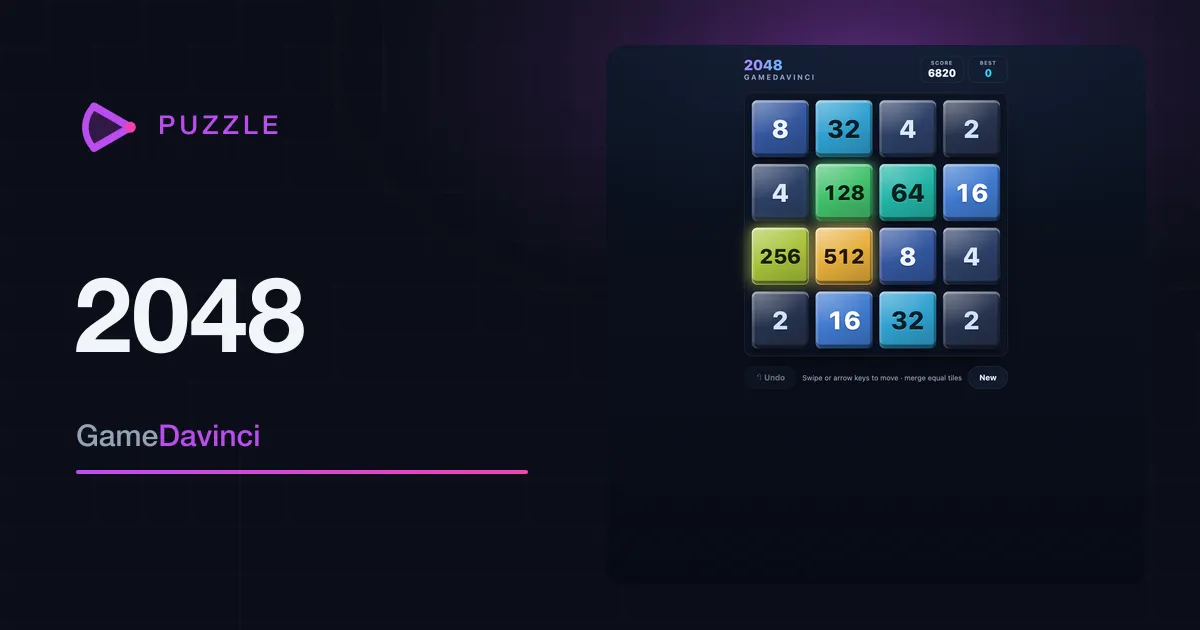
2048
Slide the numbered tiles, merge matching pairs, and chase the elusive 2048 tile — one more move never hurts.
Puzzle -
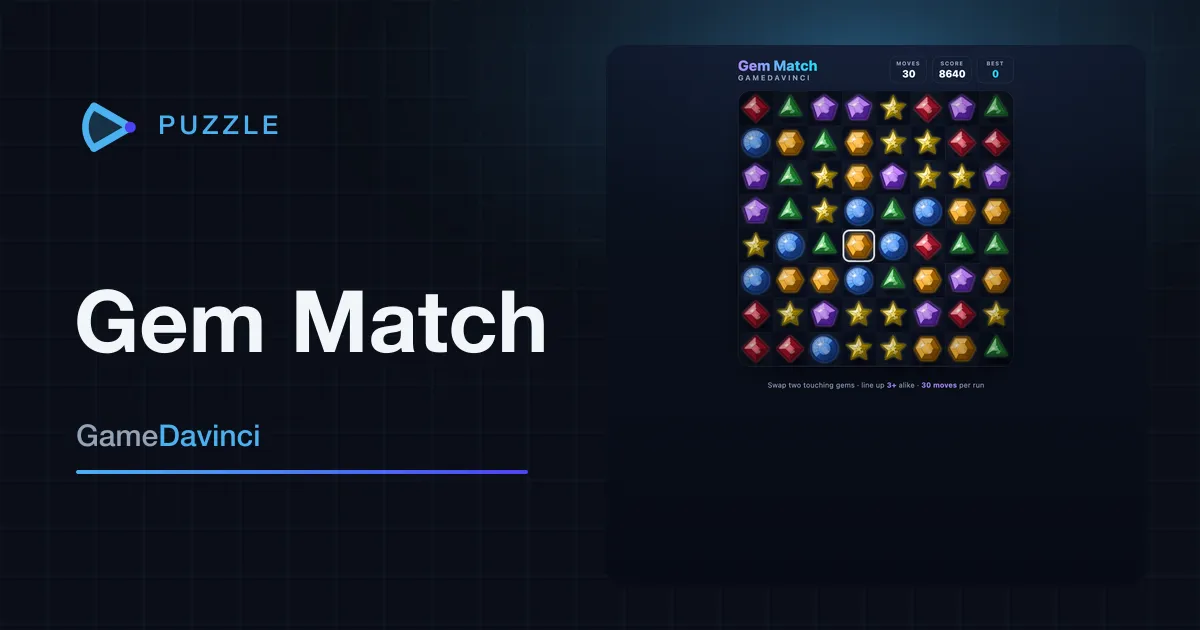
Gem Match
Swap two touching gems to line up three or more, then watch the chain reactions cascade for bigger scores.
Puzzle -
 Featured
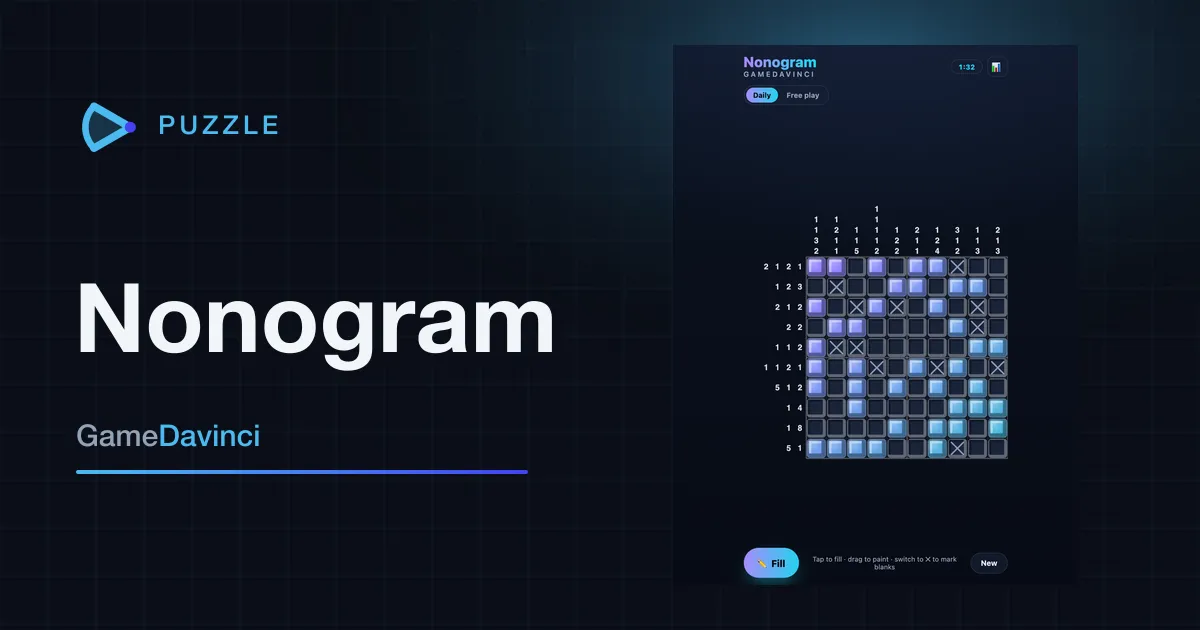
Nonogram
Use the number clues to figure out which squares to fill and reveal the hidden picture — one new puzzle daily.
Puzzle -
Sudoku
The classic number puzzle, now with a daily challenge — fill the grid so every row, column and box holds one to nine.
Puzzle