How to play Memory Match
Flip the neon cards, remember the pairs, and clear the board in as few moves as you can.
Memory Match is the pairs game: a grid of face-down cards, flipped two at a time, matched until the board is clear.
The rules
Flip any two cards. If they show the same icon they stay revealed. If they do not, they flip back after a short pause — long enough to register where they were.
Every flip of a pair counts as one move, and a timer runs from the first flip. Clearing the board in fewer moves and less time is the whole scoring.
Choose Easy for a four-by-four grid of eight pairs, or a larger grid for a longer game.
The pause is the game
The brief delay before a mismatched pair turns back over is not a UI nicety, it is the entire mechanic. Everything you will ever learn about a card happens in that window.
Which means the correct habit is to look at both cards deliberately every time — including the second one when the first has already told you the pair is dead. Beginners look away the instant they see a mismatch, throwing away half the information the move just bought.
How to actually remember
Position beats picture. Trying to remember "there was a rocket somewhere over there" fails; remembering "rocket, second row, third column" works, because the grid gives you a coordinate system for free.
Chunk in pairs. Human working memory holds a handful of items, not twenty, so remember relationships rather than a list — "the two rockets are diagonal from each other", "the crown is directly under the star". Two facts about six cards beat six separate facts.
Sweep systematically at the start. On the first few moves you know nothing, so it costs nothing to turn cards in reading order rather than at random — and it means every card you see has a position you already know, rather than one you have to encode from scratch.
The move that separates good play from lucky play
When you turn a card and know where its partner is, take the match — but when you turn a card whose partner is unknown, your second flip should be a card you have never seen.
That is the key idea. A blind second flip that reveals a new card is worth information even when it fails; flipping a card you already know cannot match is worth nothing at all. Over a whole board that single discipline saves a large number of moves.
Late in the game, when most cards are known, the calculation flips: with only a few unknowns left, work through the certain matches first so you never risk forgetting them.
Controls
Click or tap a card to flip it. Match all the pairs. Tab to a card, Enter or Space to flip.
Strategy tips
- Look at both cards every time, even when the first one has already lost the pair. Half your information comes from the card you were about to ignore.
- Remember positions, not pictures. "Second row, third column" survives; "somewhere over on the left" does not.
- Sweep in reading order for the first few moves. You know nothing yet, so a systematic start builds a map instead of a scattering of half-remembered cards.
- Make your second flip a card you have never seen, whenever the first card's partner is unknown. A failed flip that reveals something new still pays.
- Chunk cards into relationships. "The two crowns are diagonal" is one fact about two cards; remembering them separately is two facts you will lose.
- Take known matches immediately once the board thins out. Late in the game the risk is forgetting what you knew, not missing new information.
- Say the position to yourself. Sub-vocalising a coordinate is the cheapest way to move something from a glance into memory.
- Slow down on the first half and speed up on the second. Time spent encoding early is repaid many times over once the board is mostly known.
Now play Memory Match
Free, in your browser, with no download and no sign-up.
Play Memory Match →Memory Match is a puzzle game . See all puzzle games or browse the whole catalogue .
More rules and guides
-
 Featured
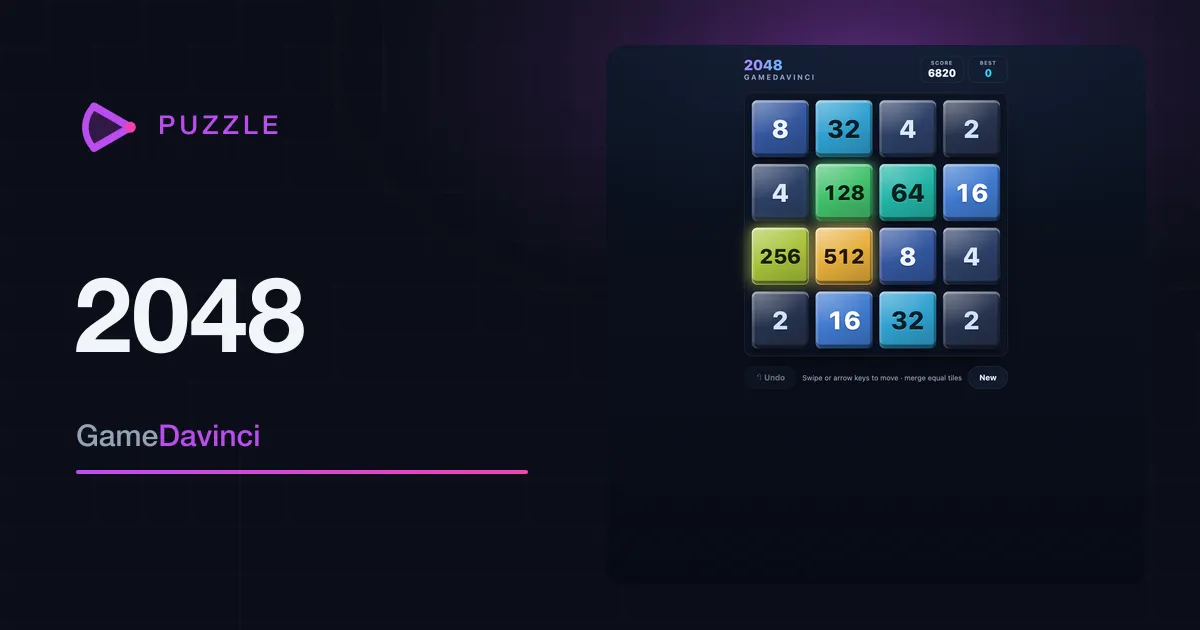
2048
Slide the numbered tiles, merge matching pairs, and chase the elusive 2048 tile — one more move never hurts.
Puzzle -
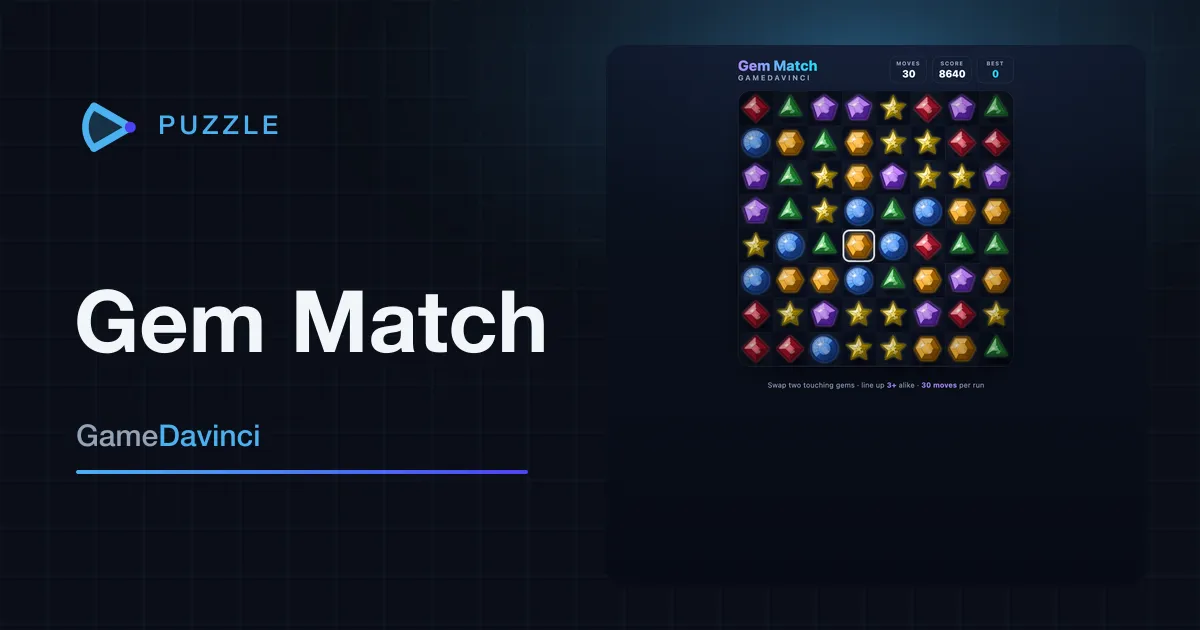
Gem Match
Swap two touching gems to line up three or more, then watch the chain reactions cascade for bigger scores.
Puzzle -
 Featured
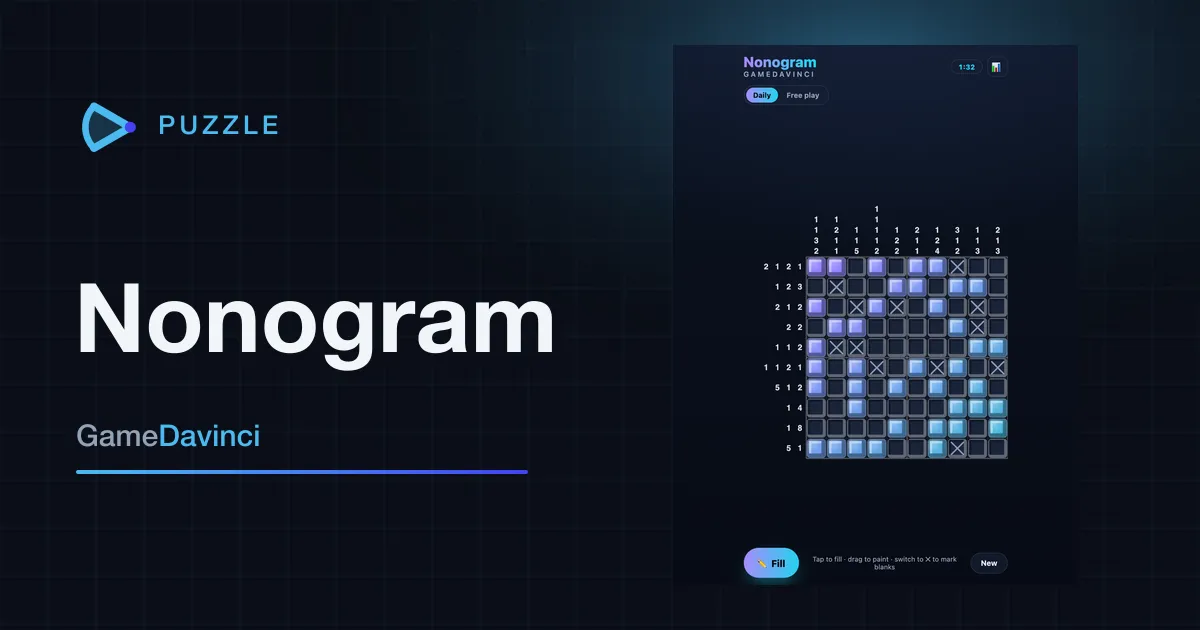
Nonogram
Use the number clues to figure out which squares to fill and reveal the hidden picture — one new puzzle daily.
Puzzle -
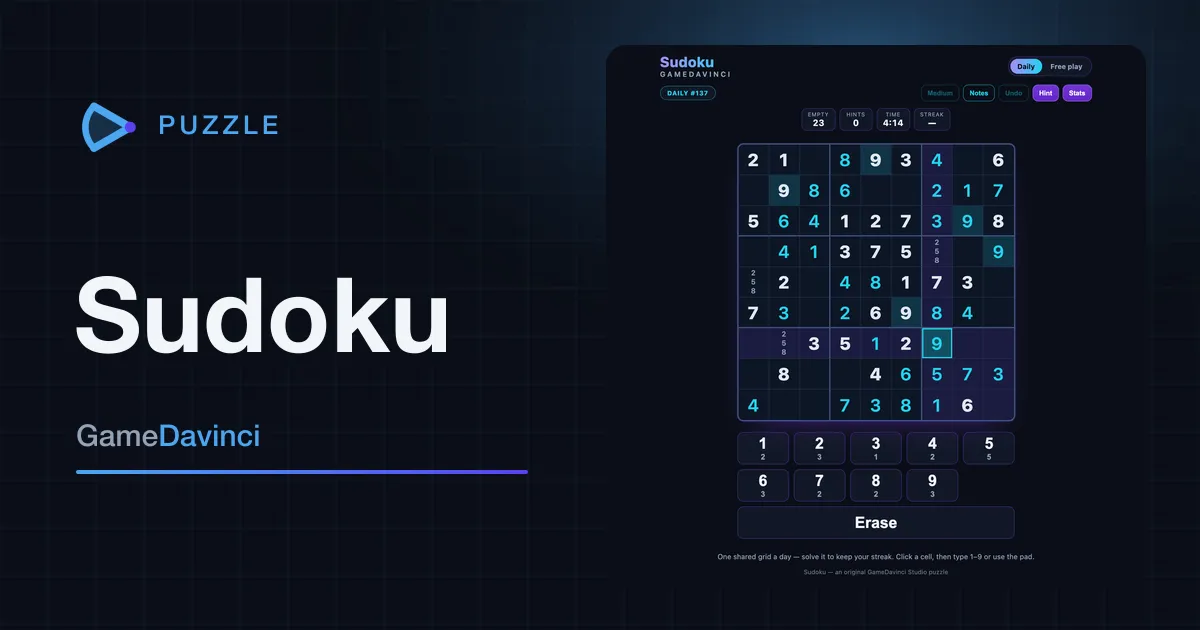
Sudoku
The classic number puzzle, now with a daily challenge — fill the grid so every row, column and box holds one to nine.
Puzzle